- Home
- Learning in public
- Sense-making notes
- Taking a Walk In Quinn's Mind
- If It Moves, Your Brain Notices. So Why Are We Making It Move?
The Perks of some features of the eyes and how it affects us as instructional designers…
In this article, I want to highlight two features of the human eyes, what i learnt about them and how it affects the visuals design and animations in learning experience design.
As Clark Quinn mentioned :
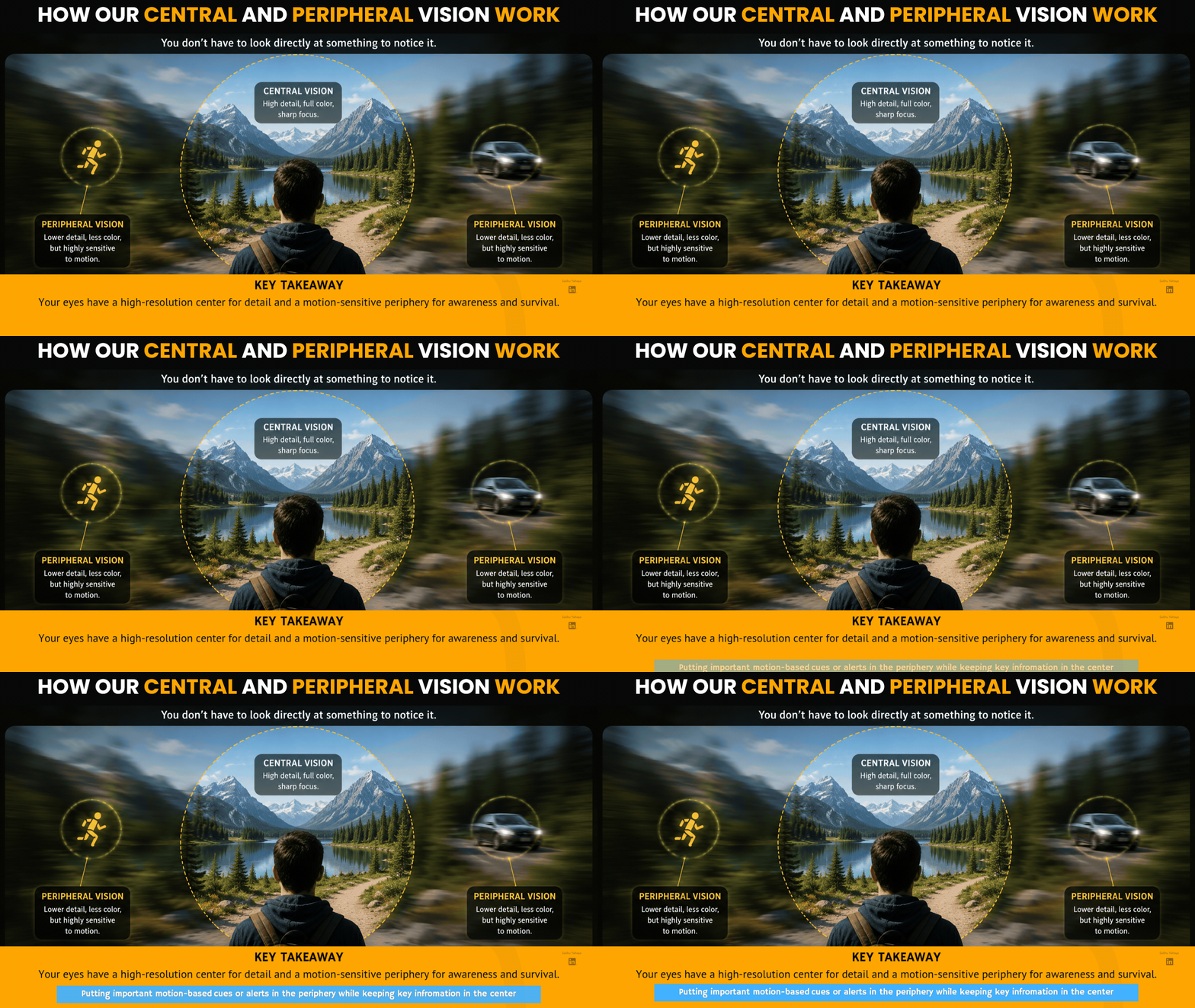
Our eyes are designed with a high-resolution color center, and a black and-white periphery. That periphery, however, is highly motion sensitive.
And due to the high resolution colour center we have…
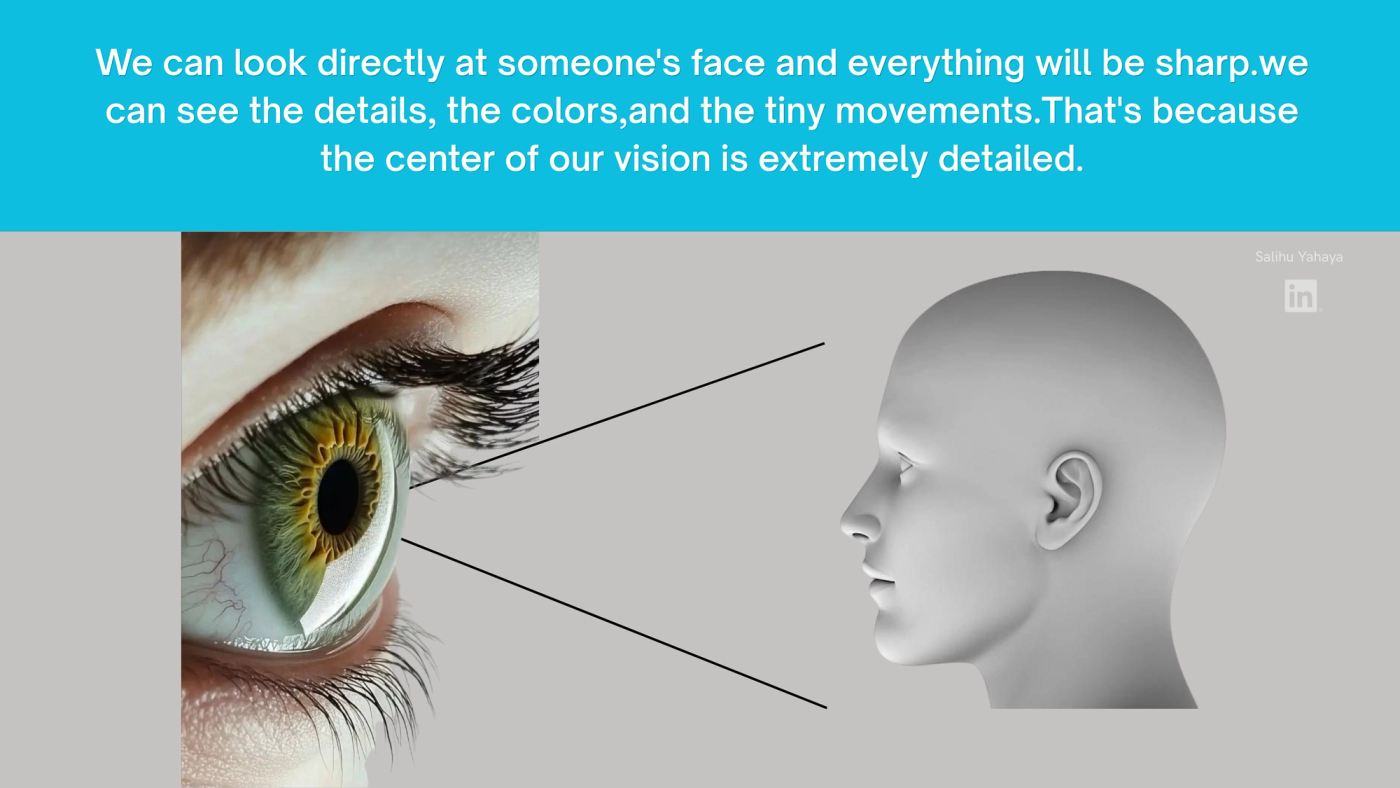
But nothing blew my mind like understanding how our black and white periphery is highly motion sensitive, and how it affects animations of graphics we present to our learners.
Here’s what i understood,
Our side vision isn’t very detailed as the center vision of our eyes and our black and white periphery is mainly there to notice movement around us.

Suddenly...
Maybe it's...
🐅 A predator but
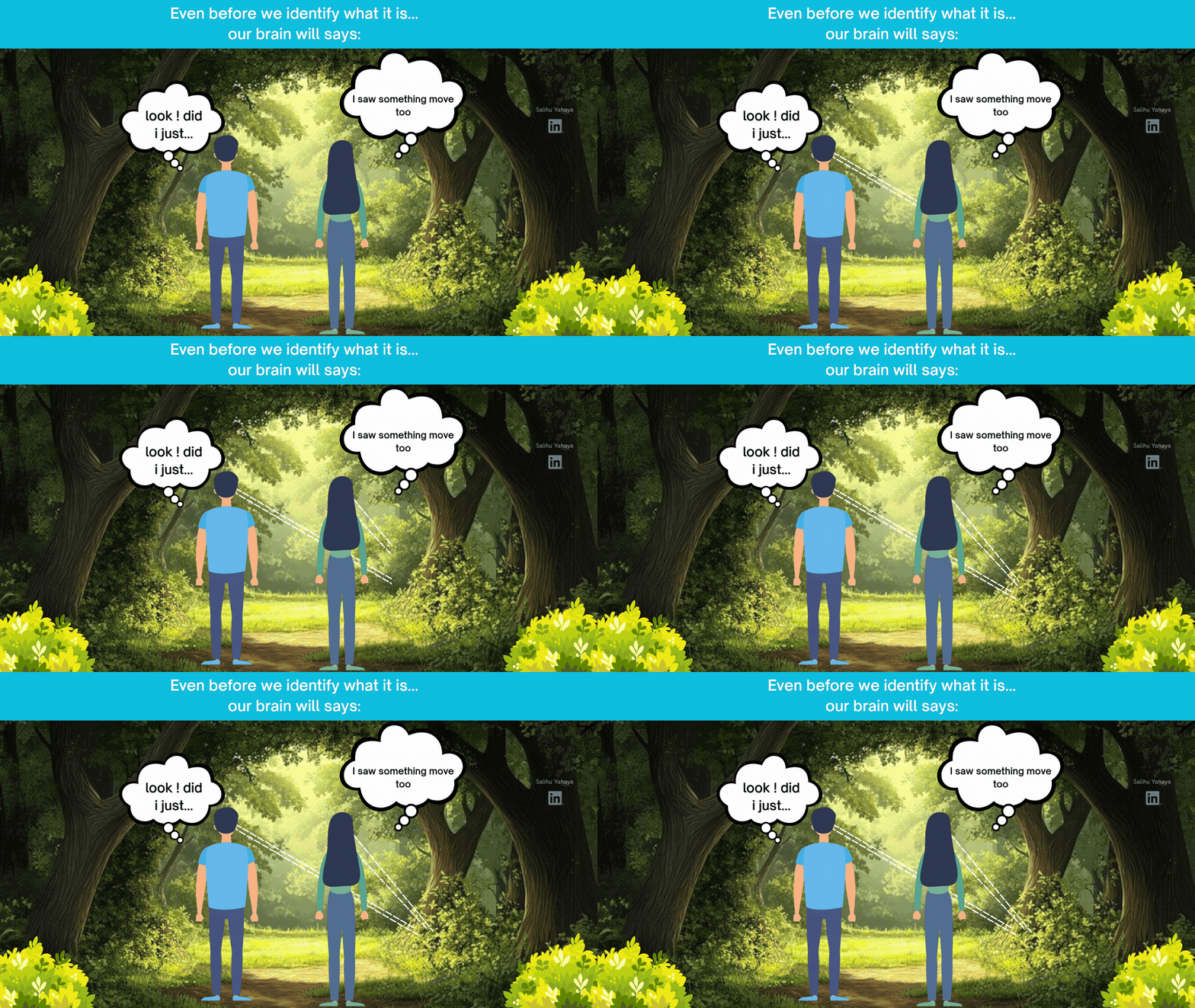
"LOOK!"
And thats our peripheral vision in action
it’s is like a motion security guard.
And so…
As an instructional designer
This is why distracting animations are dangerous for our learners. And reflecting on this reminds me of what Tim Slade said in one of his videos on e-learning design
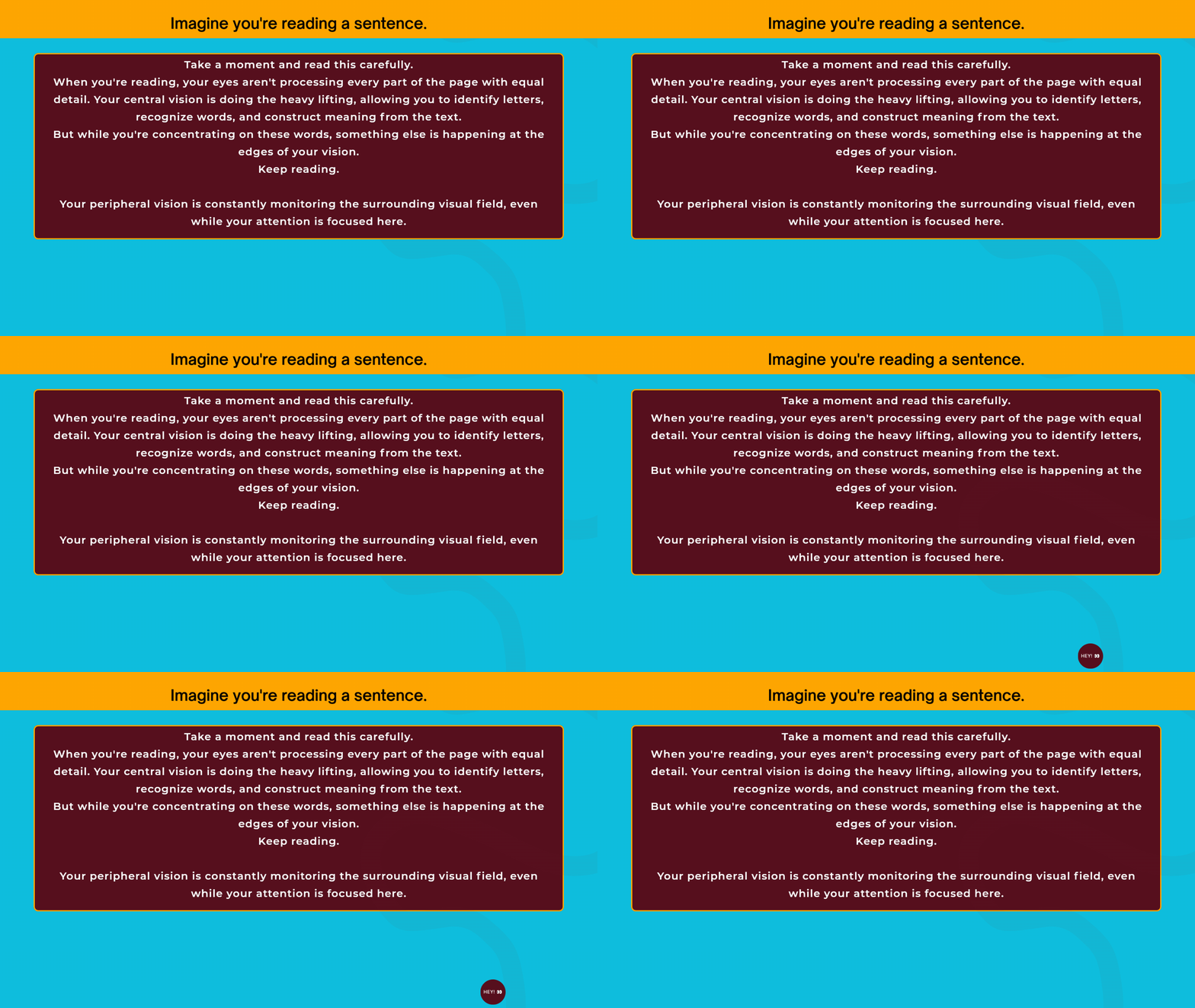
Even if you don't want to look...
Your brain notices.
Why?
Because your visual system treats movement as important.
And so here is a visual representation of how our Central Vision and Peripheral Vision Work
And that’s why Clark Quinn mentions those old websites full of animated GIFs.
They constantly stole attention from its users
Not because people were easily distracted...
But, because that's how vision works.
Learning Principle
And just as Clark Quinn mentioned
“We’re wired to orient to the motion. Fortunately, we’ve mostly eliminated those. “
As an instructional designer...
I shouldn’t make learners fight my design.
If something moves...
It should move because it's important.
Not because it looks cool.
And coming from a world where I've built a lot of engaging content with animations, this is one of the many huge takeaways for me.
Also because the world contains much more light than humans can naturally see, for example the Infrared and Ultraviolet. They all exist, but our eyes don't naturally detect them and as Clark Quinn mentioned it's with support we can get to detect them on different ends of our visuals spectrum.
But Clark Quinn isn't pointing at physics.
He’s simply telling us our senses have limits.
And "Brightness, saturation and contrast matter.
Imagine black text on a white page.
It’ll be easier.
Now imagine…
Grey text on a slightly lighter grey background. much harder.
The information didn't change.
Only the design did.
But you know wherever I get the chance to demonstrate id definitely do.
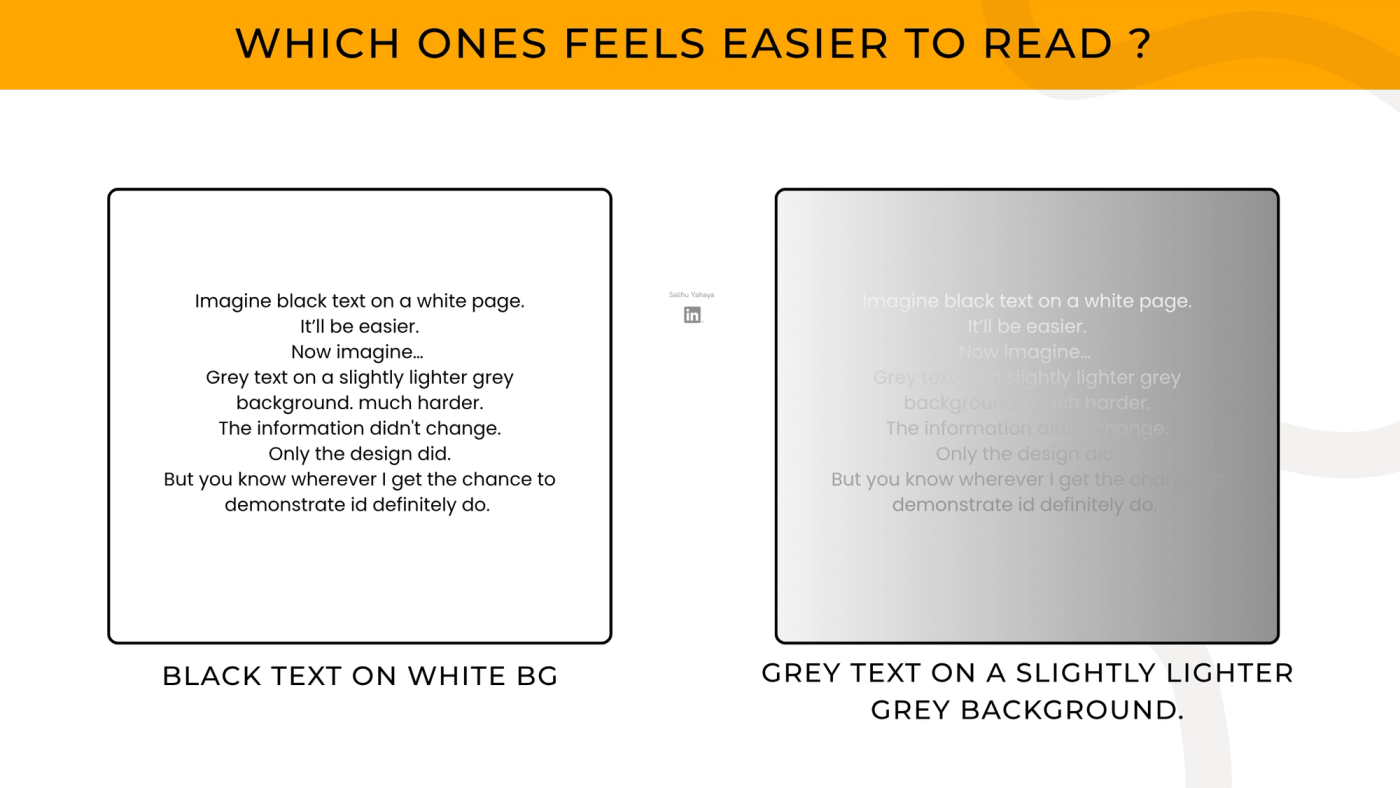
Clark Quinn is reminding us...
Design choices affect whether learners can even perceive information.And because not everyone's vision is the same, I learnt a big lesson that as an instructional designer I should always bare in mind that some learners may have blurry vision, some are colour blind and some just have low vision. And so this really takes a troll on how we process colours because like Clark Quinn mentioned, about 10% of people (especially male) are colour blind.
So basing our entire lessons on :
🔴 Red means correct.
🟢 Green means incorrect.
Will eventually make some learners struggle.
I am yet to know how to tackle this but i’d keep this in mind.
Mental ModelThink of sight as the Reception Department(Admin) in your office.
Most visitors enter there.
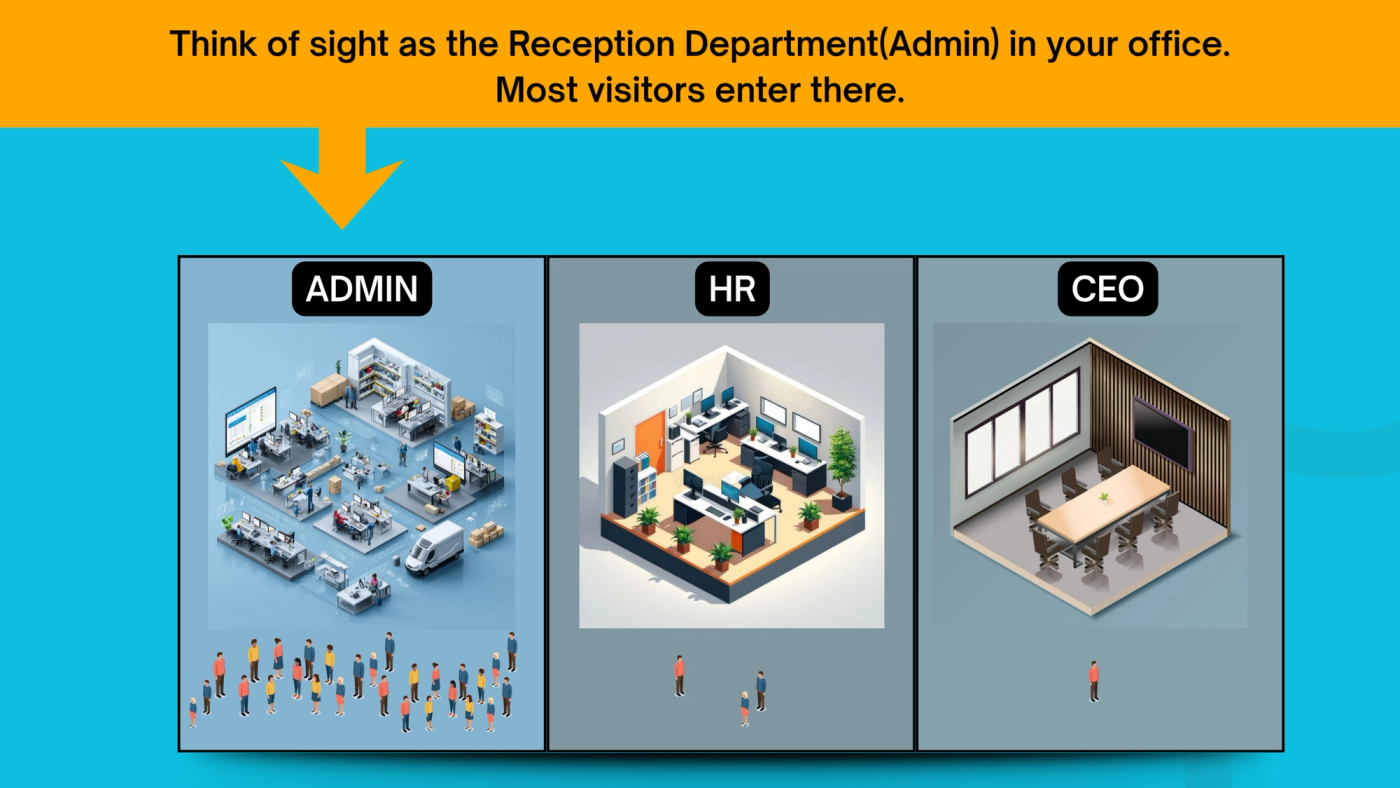
If Reception is poorly organized...
The whole company struggles.
Likewise…

What Should i as an Instructional Designer Do about this?
Design so that learners can easily perceive information by :
Making my visuals clear visuals, avoiding unnecessary movement especially if it’s solely based on how cool it’ll look, making important information stand out with contrast, and lastly not relying only on color to communicate meaning.
And from the mistakes id avoid will basically be the opposite of all i’ve said above but just to mention :Avoiding Decorative animations everywhere, using flashing objects to compete for attention. The use of poor color contrast, the use of tiny text to avoid straining, and lastly using only color to convey meaning.
Clark Quinn is showing that because our sight is a major channel for receiving information, i as an instructional designer have a responsibility to design visuals that support perception rather than compete for attention.
See you in the next one…
#InstructionalDesign #InstructionalDesigner #LearningAndDevelopment #LearningDesign #LearningExperienceDesign #LXD #Elearning #ELearningDesign #CurriculumDesign #CurriculumDeveloper #LearningJourney #Day1 #Day2 #LearningInPublic #BuildInPublic #SenseMakingNotes #MentalModels #TAWIQM #QuinnSeeds
In case you missed the Quinn Seed articles 👇
Quinn Seed #1- CLICK ME
Where this comes from
- Join The Conversation On Linkedin — **Enjoyed the blog?** The conversation doesn’t have to end here. Join me on LinkedIn, share your thoughts, challenge an idea, or repost it to help the conversation reach more people. **Let’s learn in public. Let’s make the ideas travel.**
- Check out "Learning Science" by Clark Quinn — If you design learning, teach, or train people, you need to understand what is actually happening when someone learns. Learning happens at the neural level, but we design for it at the cognitive level. There’s a lot more in Clark Quinn’s book that I can’t share because of **intellectual property**. Get the book and experience the learning yourself. 📚You Would Love It!
- Check out "40 L&D Stakeholder Challenges: Of L&D Leaders, Practitioners, Clients, and Learners" by Guy W. Wallace — This book shares the answers I got from my EPPI-PACT Guidance Bot. The free EPPI-PACT Guidance Bot is a digital, interactive knowledge-transfer resource designed to help Learning and Development (L&D) practitioners, performance consultants, and business leaders master and apply Guy W. Wallace’s Performance Improvement and Performance Based L&D methodologies.
- To Learn More Join the "Learning Development Accelerator" — Click the link to join the Amazing Learning Development Accelerator Group Where practice meets evidence