- Home
- Learning in public
- Sense-making notes
- Taking a Walk In Quinn's Mind
- A Distraction-Free Course Can Still Make Your Learner Look in the Wrong Place
Clark Quinn mentioned in Quinn Seed 3:
"Help learners direct their attention appropriately. Integrate labels into diagrams, and use pointers or spread out messages to introduce things one by one."
And this, to me, speaks about attention direction, because removing distractions isn’t enough.
And this is the part I think can be easy to miss.
As we can create a completely quiet, beautiful, distraction-free course…
and the learner can *still look at the wrong thing.
So applying Quinn Seed 3 to my learning experience design as an instructional designer isn’t simply about:
❌ “Not distracting my learner.”
But about:
✅ “Guiding the learner on where to look and what matters.”
That’s why Clark Quinn recommends 3 things :
"Integrated Labels + Attention-Guiding Pointers + Sequencing of Messages"
I've used Gif's to show a practical example how i'd go about putting this Quinn Seed into action( i could do more, i could do less, just depends on what i am trying to achieve based on context).
For Label Integration:
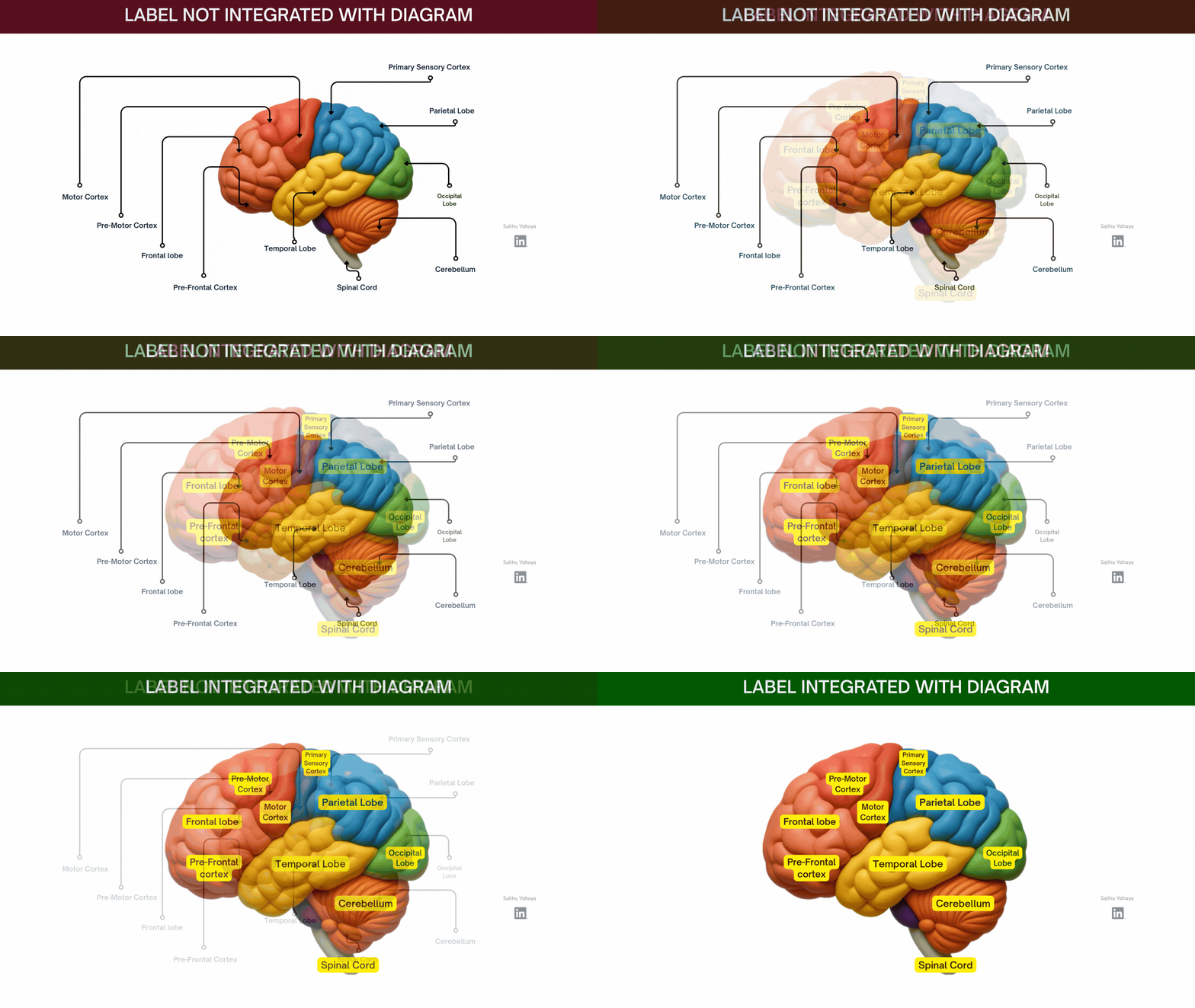
As shown in the first shared gif
Suppose you show a brain diagram without integrating the labels, will you still know what brain part is labelled to what name ?
Well Yes!, but at what cost ?...
You will have trace and search which label belongs to which part?
And because you have to keep going back and forth, it'll create unnecessary cognitive processing, unlike showing them:
the label placed directly integrated into the relevant part
Now You’ve guided attention.
You've reduced the amount of searching our learners have to do.
For Use Of Attention-Guiding Pointers:
I sent Clark Quinn a message to really understand more about this.
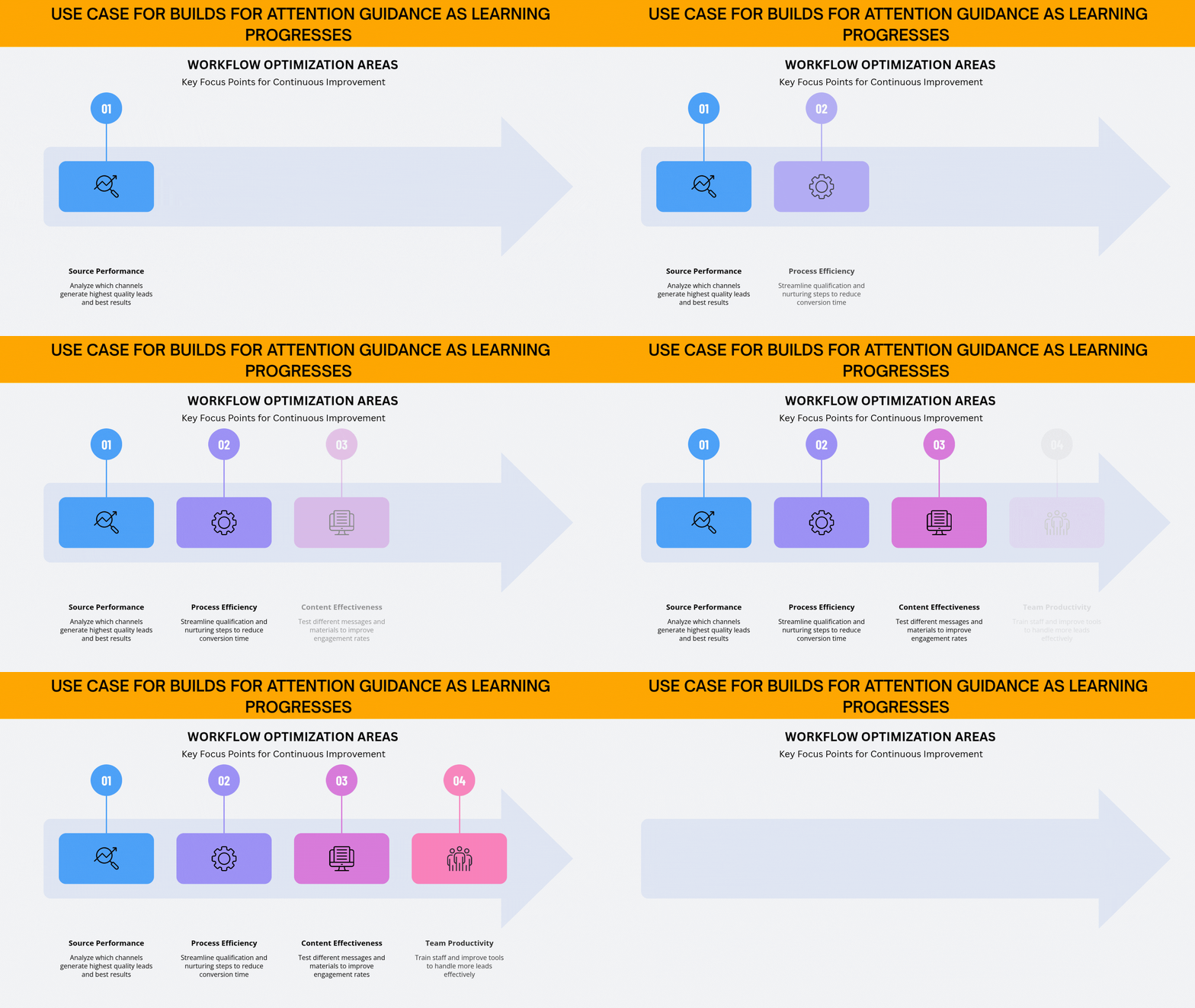
And since I’m trying to guide my learner’s attention to a particular part on the screen, I could either use an actual arrow pointer, or builds as Clark mentioned. This will grab and guide my learner’s attention.
i can also use a spotlight effect to create what I’d call a microscopic focus.
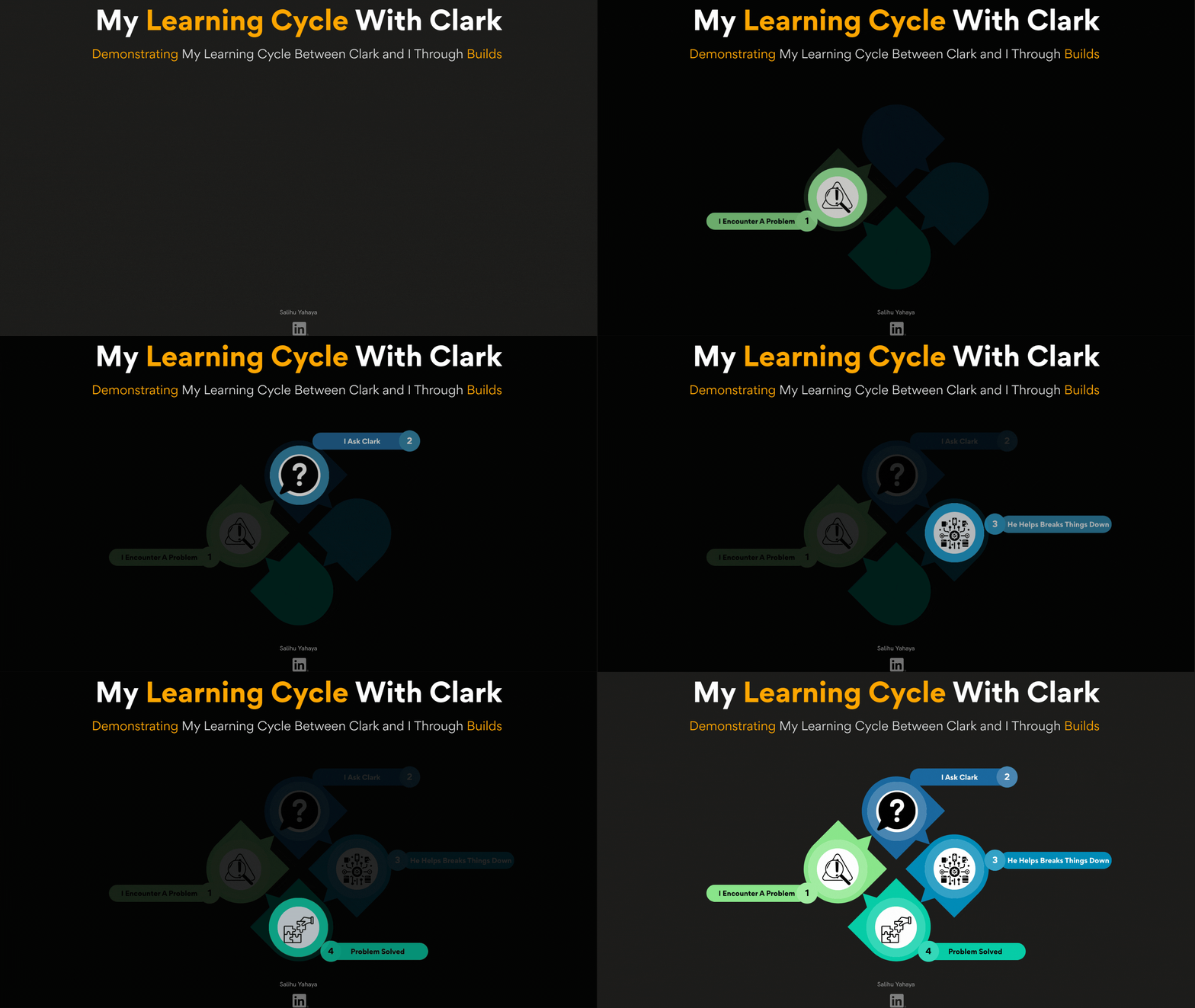
And mixing this with good sequencing can be the icing on the cake for attention direction.
Alhamdulillah, this has been a normal practice of mine, but learning the science behind it would make me even more intentional with how I use these techniques in future projects.
With the gif's, allow to me demonstrate how I have, and will continue to, use attention-guiding pointers along with good sequencing as powerful tools for attention direction.
One thing to note is that builds aren’t animations.
Clark Quinn does it himself, and he told me what the actual problem was, is gratuitous animation.
Although he told me I'm yet to get to the part in his book he captures his thoughts on dynamics versus statics, and that...
There are times for animation to capture the dynamics of a situation when that's relevant. As to build's, they're not animations. He puts his builds on separate slides, as he has separate discussions for each element/level. He also mentioned it being a technique I learned from Will Thalheimer.
In case you missed the Quinn Seed articles 👇
Quinn Seed #1- CLICK ME
Quinn Seed #2- CLICK ME
Quinn Seed #3- CLICK ME
Where this comes from
- Check out "Learning Science" by Clark Quinn — If you design learning, teach, or train people, you need to understand what is actually happening when someone learns. Learning happens at the neural level, but we design for it at the cognitive level. There’s a lot more in Clark Quinn’s book that I can’t share because of **intellectual property**. Get the book and experience the learning yourself. 📚You Would Love It!
- Check out "40 L&D Stakeholder Challenges: Of L&D Leaders, Practitioners, Clients, and Learners" by Guy W. Wallace — This book shares the answers I got from my EPPI-PACT Guidance Bot. The free EPPI-PACT Guidance Bot is a digital, interactive knowledge-transfer resource designed to help Learning and Development (L&D) practitioners, performance consultants, and business leaders master and apply Guy W. Wallace’s Performance Improvement and Performance Based L&D methodologies.
- To Learn More Join the "Learning Development Accelerator" — Click the link to join the Amazing Learning Development Accelerator Group Where practice meets evidence